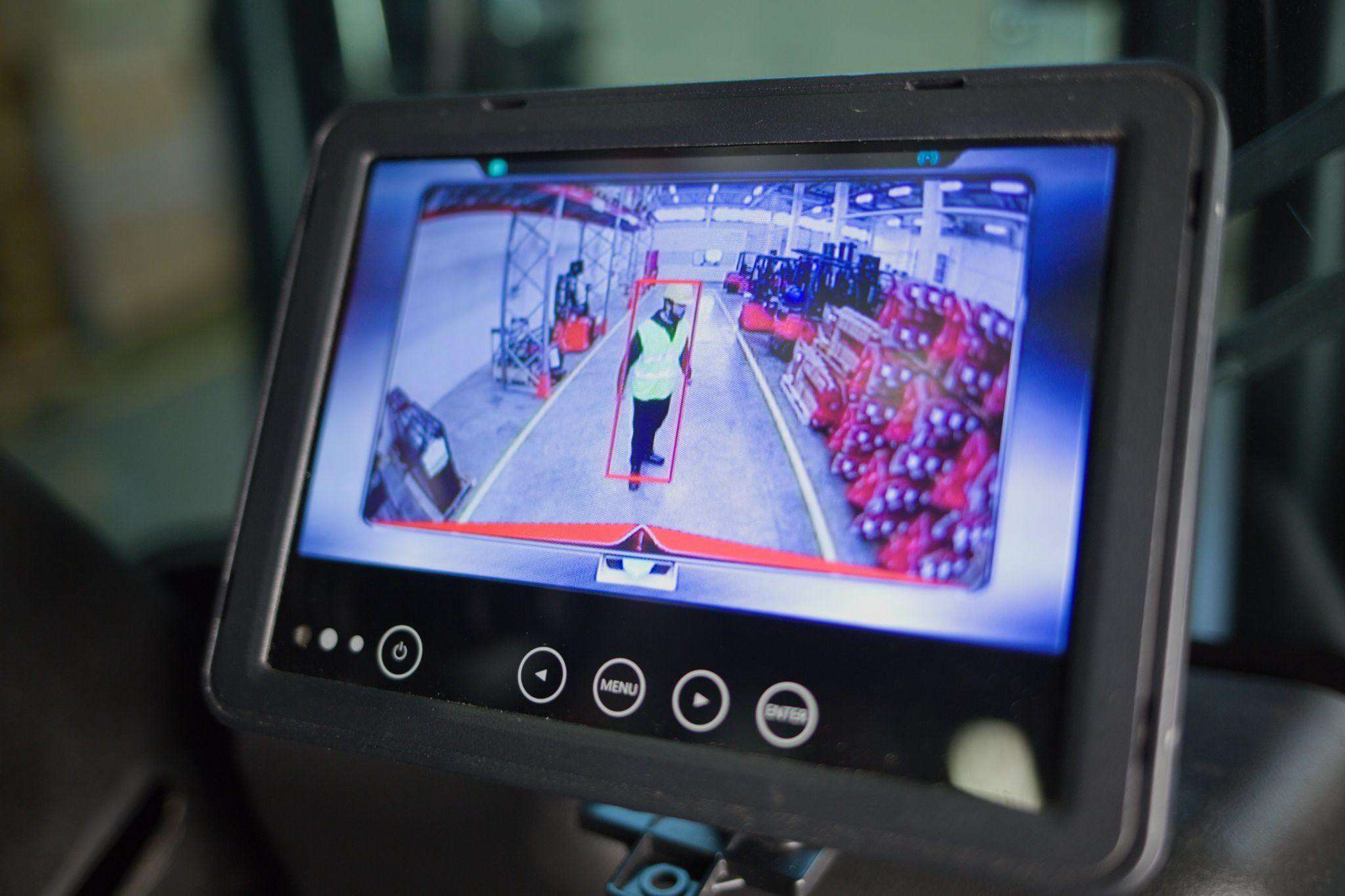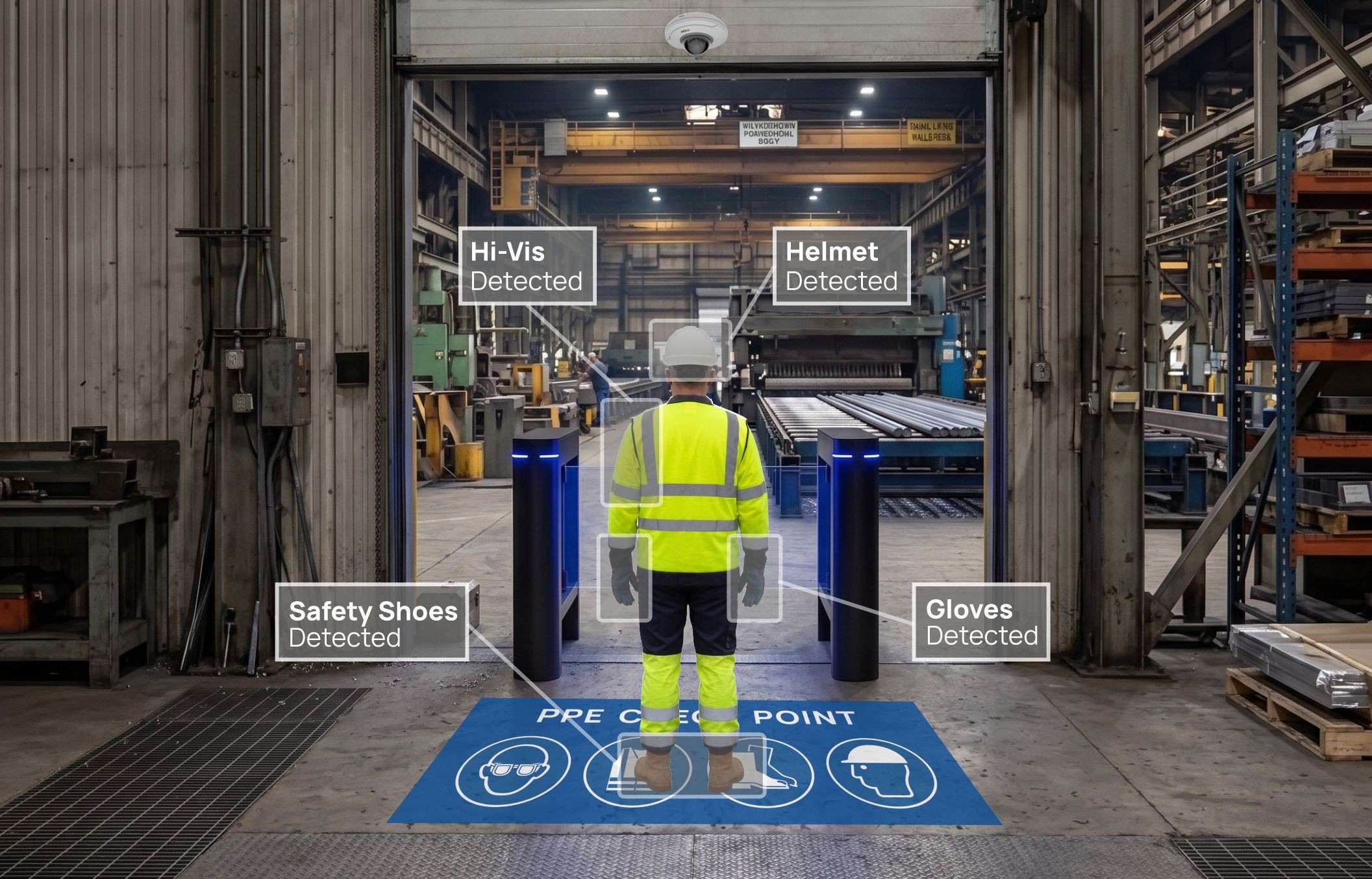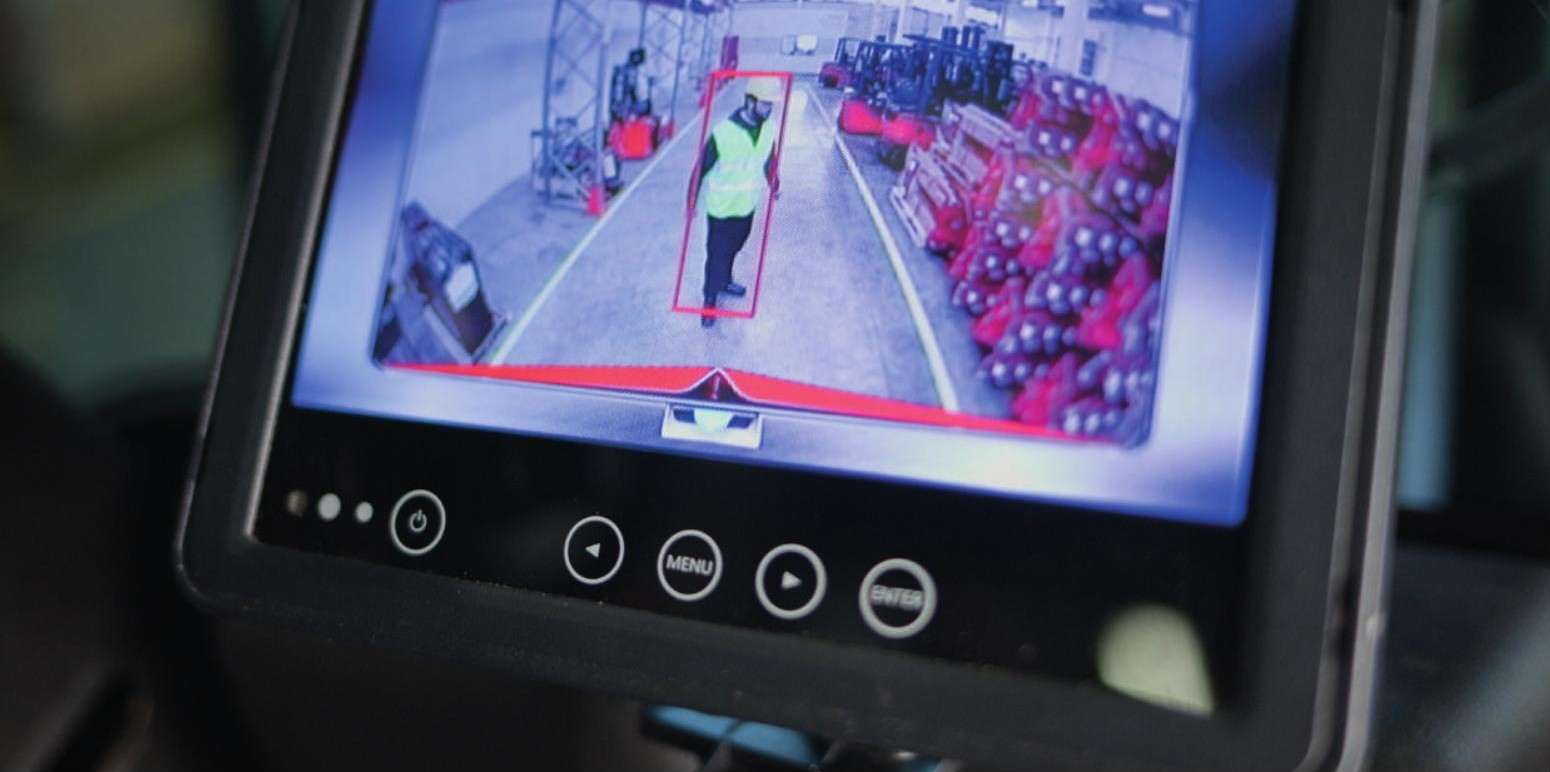
AI cameras are a powerful way to protect pedestrians around forklifts. They need no tags, some models recognise people whether standing, kneeling or lying, and they can slow a truck down before contact. They are also cameras pointed at employees, and that raises legitimate questions.
In the UK, the GMB union has criticised driver-facing AI cameras at a major grocery retailer as "unnecessary surveillance in the workplace". Works councils and data protection officers will ask the same questions. The good news is that the legal framework is clear enough to plan around. Below is our checklist for AI cameras in the workplace and the GDPR: the questions to settle before go-live.
This article is general information, not legal advice. Your data protection officer or lawyer should review your specific set-up.
The legal frame in one page
GDPR. Video falls under the GDPR when people are identifiable. The European Data Protection Board's Guidelines 3/2019 on processing personal data through video devices (version 2.0, adopted 29 January 2020) are the main reference.
Greek Law 4624/2019, Article 27. For employers in Greece, video in the workplace is allowed only if necessary to protect persons and property. Footage may not be used to evaluate employee performance, and employees must be informed in writing.
EU AI Act (Regulation 2024/1689), Article 5(1)(f). Since 2 February 2025, emotion recognition in the workplace has been prohibited. The European Commission's guidelines on prohibited practices treat fatigue as a physical state, not an emotion, so driver-fatigue alerts fall outside the ban. They still need a GDPR assessment.
Pedestrian safety around forklifts is a strong case for "protection of persons". The checklist below is about keeping the system within that purpose.
Checklist: before you buy
1. Define the purpose in one sentence. For example: "Detect pedestrians in the danger zones around forklifts to warn drivers and reduce speed." Write it down. Every later decision is checked against it.
2. Choose detection, not identification. A pedestrian detection system needs to know that a person is in a zone, not who that person is. Prefer configurations that act on detection and do not identify individuals.
3. Decide what is recorded. Systems differ. Some store event footage around a collision or alert locally, for example on a memory card in the control unit; others offer continuous video and cloud storage as an option. Decide which you actually need for accident investigation, and switch off what you do not.
4. Check the driver camera separately. Driver monitoring that detects signs of fatigue, smoking or phone use is a different processing purpose from pedestrian detection. Under the AI Act it is not emotion recognition, but under the GDPR it is closer to the employee, and it needs its own justification.
5. Plan a DPIA. Systematic monitoring of employees with new technology is a typical case for a data protection impact assessment. Start it at design stage, not after installation.
Checklist: before go-live
6. Inform employees in writing. In Greece this is explicitly required. Explain the purpose, what the cameras see, what is stored, for how long and who can access it.
7. Put signs in place. The EDPB guidelines expect a first-layer warning sign where cameras operate, with a second layer of fuller information available.
8. Set retention periods. Keep event footage only as long as needed to investigate incidents, and document the period.
9. Limit access. Define who can view footage and statistics, and log that access.
10. Exclude performance evaluation. State in your internal policy that footage and alerts are not used to assess individual performance. Under Article 27 of Law 4624/2019 this is not optional in Greece.
Checklist: after go-live
11. Review alert data, not people. Use near-miss counts and locations to improve layout, zones and training. That is the real value of the data.
12. Revisit when the purpose changes. Adding cameras, enabling cloud storage or turning on driver monitoring are changes that need a fresh look at the DPIA and employee information.
Questions to ask your supplier
Before you sign, get clear written answers to these:
- What exactly does the AI detect? People in a zone, PPE items, vehicles, driver behaviour? Each one is a separate purpose.
- Where is data processed? On the device, on a local control unit or in the cloud?
- What is stored by default, and can it be switched off? Ask about event clips, continuous video, statistics and notifications.
- Who at the supplier can access the data? Remote support and cloud platforms can mean third-party access, which needs a data processing agreement.
- Can zones be drawn to avoid areas that are not needed? Rest areas, offices and public roads should stay out of view.
- What documentation do you provide for the DPIA? A good supplier can describe the data flows in plain language.
The answers often differ between products, and even between configurations of the same product. That is why they belong in the design stage.
How this fits with driver acceptance
Privacy and acceptance are linked. Drivers who believe a camera is there to catch them will resent it; drivers who see it protecting them at blind spots tend to accept it. Being transparent about what is recorded, and what is not, is the fastest route to trust.
Involve drivers when zones are calibrated, show them the in-cab display and explain the alerts. Frame the system as what it is: protection for the person on foot and support for the person in the seat.
Alternatives where cameras are hard to justify
If a camera is difficult to justify in a specific area, other technologies can do the job:
- UWB proximity detection works with tags and measures distance, without images.
- LED floor projection and smart mirrors warn at fixed points without recording anyone.
Our guide to forklift anti-collision systems compares these options side by side.
Getting it right from the start
When we design an AI forklift pedestrian detection camera or a PPE detection system, we set zones, recording options and notices with you, so your DPO has what they need to sign off. Book a free site survey to discuss your site.